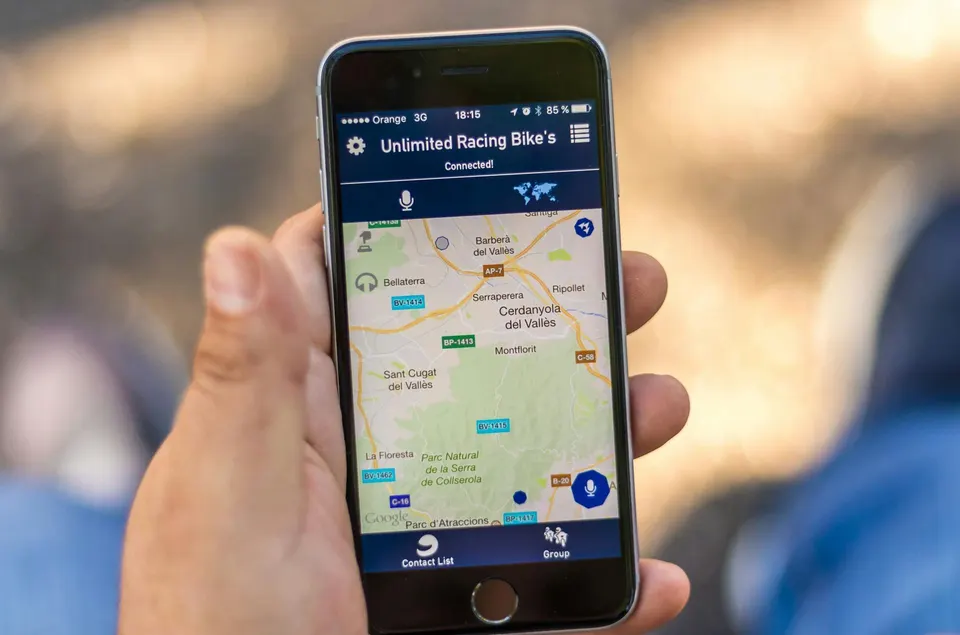
How to Get on Google Maps: Step-by-Step for Canadian Businesses

Getting your Canadian business on Google Maps can feel like cracking a secret code. Plenty of owners believe it’s as simple as typing in your address and waiting for customers to show up. Yet, businesses that keep their Google profiles updated see 30-50 percent more customer interactions compared to static listings . What really sets successful businesses apart is not just showing up, but fine-tuning every detail to climb higher in local search.
Table of Contents
- Step 1: Confirm Your Business Information
- Step 2: Create Or Claim Your Google Business Profile
- Step 3: Optimize Your Profile For Local Seo
- Step 4: Add Photos And Additional Business Details
- Step 5: Verify Your Business Location
- Step 6: Monitor And Update Your Listing Regularly
Quick Summary
Step 1: Confirm Your Business Information
Confirming your business information is the foundational step in getting your Canadian business visible on Google Maps. This critical process ensures potential customers can find accurate and up-to-date details about your company online. Before diving into technical setup, you’ll need to gather and verify key business details that will form the backbone of your Google Business Profile.
Start by collecting essential information that represents your business precisely. This includes your official business name , complete physical address , primary phone number , and website URL . Precision matters here - even minor discrepancies can impact your local search visibility. If you operate a business with multiple locations or a service-area business, you’ll want to be especially meticulous about how you represent your geographic presence.
Next, conduct a thorough review of your existing online presence. Search your business name on Google to see what information currently appears. Are there multiple listings? Inconsistent details? Old contact information? These digital footprints can confuse potential customers and diminish your search ranking. According to Google’s official business guidelines , maintaining consistent information across all online platforms is crucial for establishing trust and improving local search performance.
To streamline this process, compile a comprehensive document with your verified business details. Recommended documentation includes:
- Business registration documents
- Utility bills with your business address
- Professional licensing information
- Chamber of commerce registration
These documents will serve as proof when you begin the verification process with Google. Take time to ensure every detail is current, accurate, and matches how your business is registered officially. Remember that Google prioritizes businesses with verifiable, consistent information, so investing effort in this initial step can significantly enhance your online visibility and local search potential.
Step 2: Create or Claim Your Google Business Profile
Creating or claiming your Google Business Profile represents a pivotal moment in establishing your online local presence. This digital storefront allows potential customers to discover your Canadian business quickly and easily through Google Search and Google Maps. Whether you are starting from scratch or finding an existing listing, the process requires careful attention to detail and strategic information management.
Begin by navigating to Google Business Profile Manager and searching for your business name. If your business already appears, you’ll want to claim the existing listing . If no listing exists, you’ll need to create a new profile from scratch. For businesses with multiple locations, prepare to repeat this process for each unique address. During this initial setup, Google will require you to provide comprehensive business details including your official business name, precise address, primary service category, and contact information.
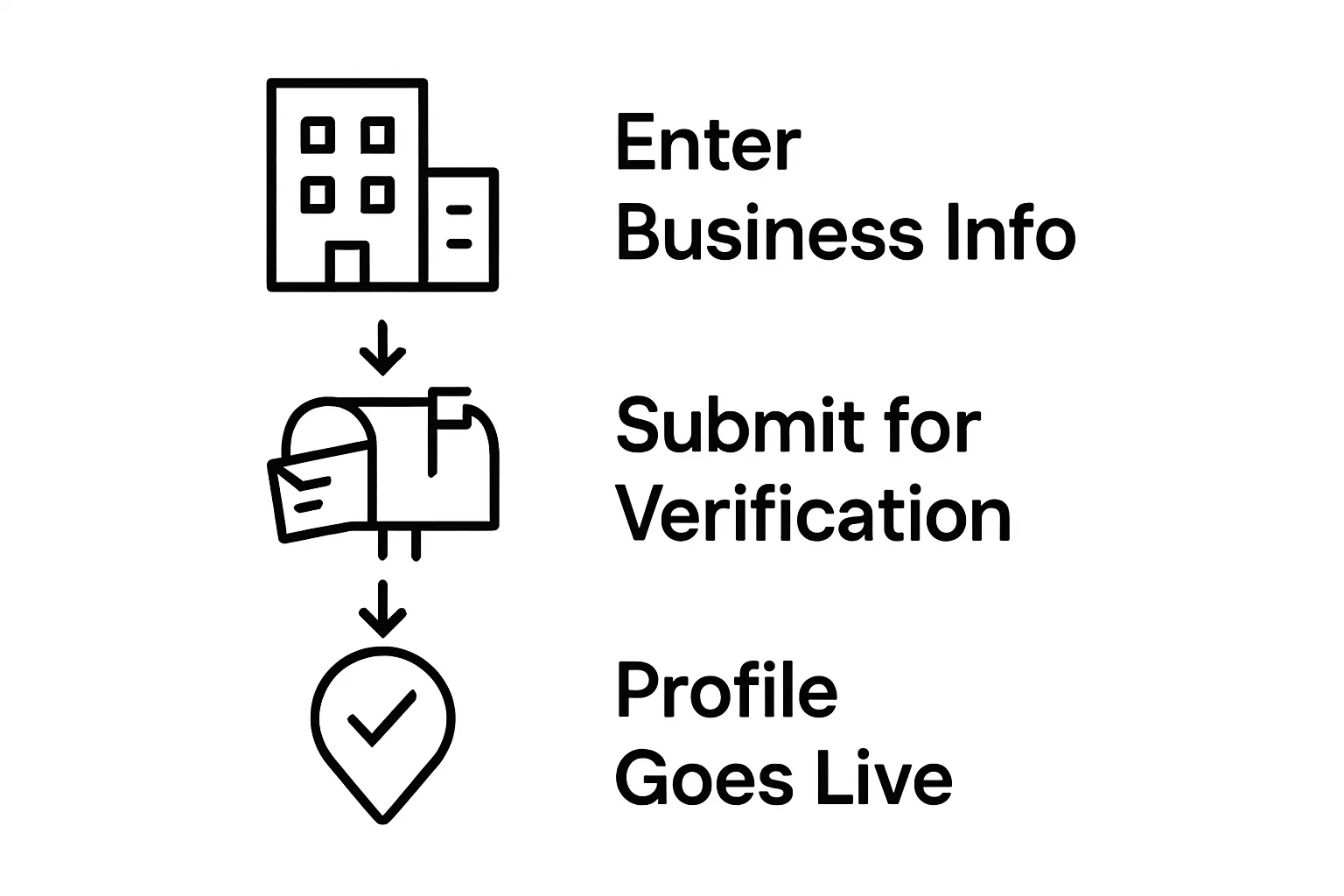
The verification process is critical and typically involves one of several methods. Google most commonly uses postcard verification , where they mail a physical postcard with a unique code to your business address. This code must be entered into your Google Business Profile within 30 days to complete verification. Alternative verification methods might include phone verification or instant verification for businesses already using Google Workspace. Some service-area businesses may need additional documentation to prove their legitimate operation.
As you complete your profile, focus on creating a comprehensive and engaging representation of your business. Include high-quality photos that showcase your physical location, products, or services. Write a clear, concise business description that highlights what makes your company unique. Add your operating hours, accepted payment methods, and any special attributes that might attract potential customers. The more detailed and accurate your profile, the more likely Google is to display your business prominently in local search results.
Key verification criteria to watch for include:
- Matching business name exactly as registered
- Accurate physical address
- Correct business category
- Working contact phone number
- Responsive postcard or verification method
Once verified, your Google Business Profile becomes a powerful tool for connecting with local customers and improving your digital visibility across Google’s platforms.
Step 3: Optimize Your Profile for Local SEO
Optimizing your Google Business Profile for local SEO transforms a basic listing into a powerful customer attraction tool. This step goes beyond simply filling out information - it’s about strategically presenting your business to maximize visibility and engagement for Canadian customers searching online.
Begin by crafting a compelling business description that accurately represents your services while incorporating relevant local keywords. Think about the specific phrases potential customers might use when searching for businesses like yours in your region. For instance, a Toronto bakery might include terms like “fresh artisan bread” or “downtown Toronto pastry shop” to improve local search relevance. Your description should balance professional language with natural, conversational tone that reflects your brand’s unique personality.
Check out our SEO strategies for deeper insights into keyword optimization. When selecting your business category, choose the most specific option available. Generic categories reduce your chances of appearing in targeted local searches. If you run a specialized service, drill down to the most precise category that represents your business. For example, choose “Wedding Photographer” instead of just “Photographer” to attract more specific customer searches.
Photos play a crucial role in profile optimization. Upload high-quality, professional images that showcase your business environment, products, or services. Include a mix of exterior shots, interior views, team photos, and action shots that give potential customers a genuine glimpse into your business. Google recommends adding at least five photos, with a profile picture, cover photo, and additional images highlighting different aspects of your operation.
Key optimization elements to focus on include:
- Accurate and detailed business description
- Precise business category selection
- High-quality, diverse images
- Complete contact information
- Updated business hours
- Consistent NAP (Name, Address, Phone) details
Regularly updating your profile signals to Google that your business is active and engaged. Respond to customer reviews, add new photos monthly, and ensure all information remains current. This ongoing maintenance not only improves your local search ranking but also builds trust with potential customers searching for your services.
Step 4: Add Photos and Additional Business Details
Adding compelling photos and comprehensive business details transforms your Google Business Profile from a basic listing into an engaging digital storefront. This step is about creating a visual and informative representation that attracts potential customers and provides them with essential information about your Canadian business.
High-quality visual content is crucial in capturing potential customer attention. According to Google’s business photo guidelines , your images should be professionally shot, well-lit, and representative of your actual business environment. Start by uploading a professional profile picture that clearly shows your business logo or storefront. Follow this with 5-10 additional photos showcasing different aspects of your operation - including exterior shots, interior spaces, team members, and action photos of your products or services in use.
Beyond photographs, completing your business details requires meticulous attention. Include your complete business hours , specifying any variations for holidays or seasonal changes. Add accepted payment methods , accessibility features , and languages spoken to provide comprehensive information. For service-area businesses, clearly define the geographic regions you serve. Include pricing information if applicable, and consider adding menu items or service catalogs that give potential customers a clear understanding of what you offer.
When uploading photos, pay attention to technical specifications. Images should be:
- Between 10 KB and 5 MB in size
- Minimum resolution of 720x720 pixels
- Clear and professionally composed
- Representing different aspects of your business
- Updated regularly to show current offerings
Remember that your Google Business Profile is often the first interaction potential customers have with your business. Thoughtful, comprehensive, and visually appealing details can significantly increase your chances of converting online searches into real-world customers. Regularly review and update your profile to ensure the information remains current and engaging.
Step 5: Verify Your Business Location
Verifying your business location is a critical step in establishing your credibility on Google Maps and ensuring potential customers can find you accurately. This process confirms that your business exists at the address you’ve provided and helps prevent fraudulent or incorrect listings from appearing in search results.
The most common verification method is the postcard verification process . After submitting your business details, Google will mail a physical postcard containing a unique verification code to the address you’ve listed. This method requires patience and careful attention. Once the postcard arrives, you’ll need to log back into your Google Business Profile and enter the code within 30 days. According to verification guidelines , some businesses might qualify for alternative verification methods, such as phone or email verification, depending on their specific circumstances.
Prepare for the verification process by ensuring your mailing address is completely accurate and accessible .
If you operate a home-based business or use a shared office space, confirm that you can receive mail at the listed address. Some businesses might need to use a physical street address rather than a P.O. Box. For service-area businesses that don’t have a public-facing location, you’ll need to specify the areas you serve while maintaining a verifiable business address.
Special considerations exist for different business types. Businesses with multiple locations will need to verify each address individually. Seasonal businesses or those with temporary locations should carefully document their operational details. Remote or mobile businesses might need to provide additional documentation to prove their legitimacy.
Here is a checklist summarizing the core verification preparation steps you should follow before verifying your business location on Google Maps in Canada.
Key verification preparation steps include:
- Confirm exact business address spelling
- Ensure someone can receive mail at the listed address
- Check that the address matches official business registration
- Prepare to enter verification code within 30 days
- Have alternative contact methods ready
Successful verification transforms your Google Business Profile from a draft listing to a fully recognized business presence. Once verified, you’ll gain additional management capabilities and increased visibility in local search results. Remember that maintaining accurate information is an ongoing process - periodically review and update your details to keep your listing current and trustworthy.
Step 6: Monitor and Update Your Listing Regularly
Monitoring and updating your Google Business Profile is an ongoing process that ensures your digital presence remains accurate, engaging, and competitive. Think of your listing as a living digital storefront that requires consistent attention and care to attract and retain potential customers across Canadian markets.
Regular maintenance involves more than just occasional updates. Set a monthly calendar reminder to review and refresh your profile. Check critical information like business hours, contact details, and service offerings to confirm they remain current. Seasonal businesses should be especially vigilant about updating operating hours, holiday schedules, and special service modifications. According to local business optimization research , businesses that update their profiles consistently receive 30-50% more customer interactions compared to static listings.
Customer reviews demand prompt and professional engagement. Respond to all reviews - both positive and negative - within 24-48 hours. A thoughtful response demonstrates your commitment to customer satisfaction and can potentially convert a negative experience into a positive perception. For positive reviews, express genuine appreciation. For critical reviews, acknowledge the concern professionally and offer to resolve the issue offline. This approach shows potential customers that you value feedback and are dedicated to continuous improvement.
Photos and visual content require regular refreshment to maintain audience interest. Add new images quarterly, showcasing recent projects, team achievements, or seasonal offerings. Replace outdated photos and ensure your visual representation accurately reflects your current business environment. Consider creating a content calendar specifically for your Google Business Profile to streamline this process.
Key monitoring priorities include:
- Verify contact information accuracy monthly
- Respond to all customer reviews within 48 hours
- Update business hours for seasonal changes
- Add fresh photos quarterly
- Check and correct any user-suggested edits
By treating your Google Business Profile as an active marketing tool rather than a static listing, you’ll improve your local search visibility, build customer trust, and create a dynamic online presence that effectively represents your Canadian business.
Ready to Get Your Canadian Business on Google Maps the Right Way?
Struggling with inconsistent business info, confusing Google Business Profile verification, or low rankings no matter how many times you update your details? You are not alone. Many Canadian business owners follow all the steps, but still find it tough to break into Google’s Top 3. The truth is, simply filling out your profile and adding a few photos is not enough. Success depends on expert optimization, local SEO knowledge, and ongoing strategy—the exact pain points our guide highlights.
You have already taken the first steps by learning the process. Now let Freedom SEO help you unlock real results. Get found by local customers, rise above your competitors, and start seeing more leads. Visit Freedom SEO to discover how our Local SEO Services in Canada can manage your Google Business Profile, update your business information, and keep your listing ahead of the curve. Take action today. Claim your spot in the top 3 on Google and watch your business grow.
Frequently Asked Questions
How do I confirm my business information for Google Maps?
To confirm your business information for Google Maps, gather essential details such as your official business name, complete address, primary phone number, and website URL. Then, ensure all information is consistent across online platforms and prepare documentation like business registration papers to support your verification process.
What steps do I take to create or claim my Google Business Profile?
To create or claim your Google Business Profile, visit the Google Business Profile Manager and search for your business name. If an existing listing appears, claim it. If not, create a new profile by providing necessary business details such as name, address, service category, and contact information.
How can I optimize my Google Business Profile for local SEO?
To optimize your Google Business Profile for local SEO, craft a compelling business description that includes relevant local keywords, select the most specific business category, upload high-quality images, and keep your contact information and business hours updated.
What should I do after I verify my business location on Google Maps?
After verifying your business location, regularly monitor and update your listing to ensure accuracy. This includes reviewing business hours, responding to customer reviews promptly, and adding new photos to keep your profile engaging and up-to-date.
Recommended
- Citations Freedom SEO
- SEO Strategies & Tips | Freedom SEO | Canada
- Thank You for Your Inquiry | Freedom SEO
- Citations Freedom SEO
- Local SEO Definition: Simple Guide for Business Growth
- Notary For Your Business 101: CCD9A and CCD9B, Why Your Business Needs a Notary Public on Speed Dial. - My Mobile Notary